DKNet
Aspire.Hosting.ServiceBus
Hosting integration that adds the Azure Service Bus emulator as a resource inside a .NET Aspire AppHost, for developers wiring a message-driven workflow into local orchestration.
✨ Why use it?
- No shared cloud namespace for local work. Every developer’s AppHost spins up its own emulator instead of pointing at a real Azure Service Bus namespace.
- No hand-rolled container setup. One call wires the image, the EULA acceptance, the SQL Server backing store the emulator requires, the bind-mounted config file, and both AMQP endpoints.
- Startup ordering is handled. The emulator always waits on its SQL Server resource through
WaitFor. - Fails fast on a broken setup. A
nullresolved connection string throws aDistributedApplicationExceptioninstead of surfacing later as a confusing connection error downstream.
🚀 Quick Start
This package is not published to NuGet (IsPackable=false) — consume it as a project reference from your AppHost, by cloning this repository and referencing the project directly:
git clone https://github.com/baoduy/DKNet.git
cd YourAppHostProject
dotnet add reference ../DKNet/src/Aspire/Aspire.Hosting.ServiceBus/Aspire.Hosting.ServiceBus.csproj
Add it from your AppHost project only — like other Aspire hosting integrations, it is consumed by the orchestrator project, not by the services being orchestrated. The emulator needs a SQL Server resource as its backing store and a JSON config file describing its namespace/queue/topic topology:
using Aspire.Hosting;
using Aspire.Hosting.ServiceBus;

var builder = DistributedApplication.CreateBuilder(args);

var sql = builder.AddSqlServer("sql");
var serviceBus = builder.AddServiceBus(sql, configFilePath: "servicebus-config.json");

builder.AddProject("api", "../Api/Api.csproj")
    .WithReference(serviceBus);

builder.Build().Run();
Run with dotnet run from the AppHost project. Starting the emulator itself requires Docker — this example is compile-checked only, not run end to end.
🏗️ Architecture
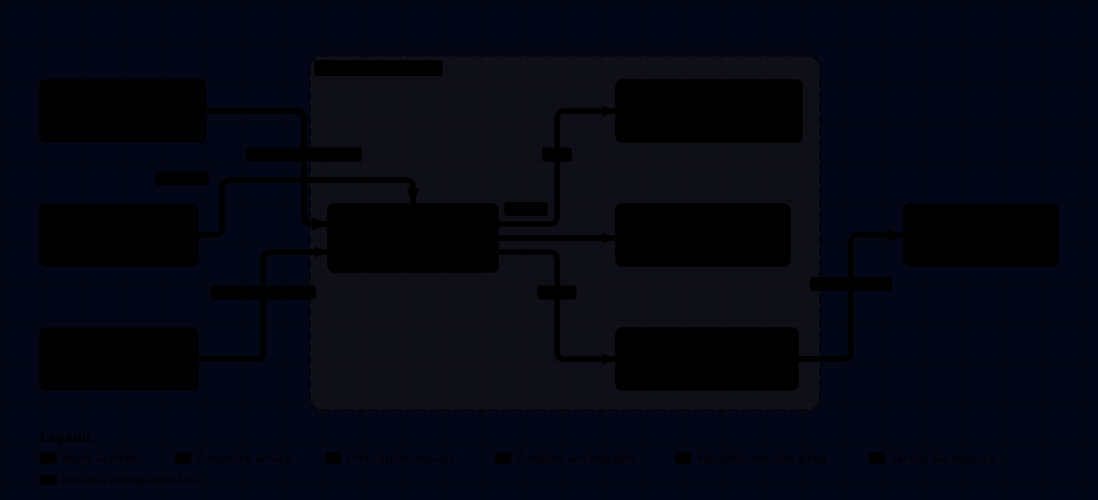
ServiceBusResource is the only type the package exposes to the AppHost; everything else is Aspire’s own ContainerResource/IResourceWithConnectionString machinery configured by the extension method. The package supplies no transport or message handling itself — Aspire only provisions the broker.
🔄 How it works

AddServiceBus registers the resource and its container settings synchronously, then subscribes a handler to Aspire’s ConnectionStringAvailableEvent for that resource. The repository cannot prove exactly when Aspire raises that event relative to the container’s own readiness — only that the handler runs once it does, and that a null resolved value throws before any downstream project can observe it.
🧩 Features
- Register the Service Bus emulator resource —
AddServiceBusadds the emulator container, accepts its EULA, and wires it to a SQL Server backing store and a bind-mounted config file. - Redirect the connection string to a real namespace — Apply a
ConnectionStringRedirectAnnotationtoServiceBusResourcesoConnectionStringExpressionandGetConnectionStringAsyncresolve from another resource instead of the emulator.
🔗 Related packages
- DKNet.SlimBus.Extensions — the SlimMessageBus integration that consumes the transport this resource provisions; reach for it in the API/worker projects, not the AppHost.
- DKNet.SlimBus.Generators — source generators for the handler/endpoint surface those projects expose.