DKNet
DKNet.Svc.BlobStorage.Local
Local-filesystem implementation of IBlobService that stores blobs under a
configured root folder with path-traversal protection.
For the operations, models, and validation rules every provider shares, read the Abstractions page first — this page covers only what is specific to this provider.
✨ Why use it?
- No cloud account to run the app. Local development, unit tests, and CI get a real
IBlobServicewith nothing to provision and nothing to clean up but a folder. - Production code stays identical. The same
IBlobServiceconsumers that run against S3 or Azure in production run against a directory here — one registration line differs. - Escaping the root folder is blocked, not trusted. Every request path is resolved and checked against the
configured root, so a caller-supplied
../cannot reach outside it. - Good enough for single-instance deployments. An app on one host with a mounted volume can ship on this provider rather than taking a storage-SDK dependency.
🚀 Quick Start
dotnet add package DKNet.Svc.BlobStorage.Local
// appsettings.json
// { "BlobStorage": { "LocalFolder": { "RootFolder": "/var/app/storage" } } }

builder.Services.AddLocalDirectoryBlobService(builder.Configuration);
public sealed class ReportStorage(IBlobService blobService)
{
    public Task<string> SaveReportAsync(Stream pdf, CancellationToken ct) =>
        blobService.SaveAsync(new BlobDetails.BlobData("reports/monthly.pdf", BinaryData.FromStream(pdf)), ct);
}
AddLocalDirectoryBlobService(IServiceCollection, IConfiguration) binds LocalDirectoryOptions from
"BlobStorage:LocalFolder" and registers IBlobService → LocalBlobService as Scoped; the call is idempotent.
🧩 Features
Root folder resolution
RootFolder is the base of every path this provider touches. Left unset, it falls back to
{CurrentDirectory}/LocalStore — fine for a quick local run, but set it explicitly for anything you deploy, because the
current directory is whatever the process happened to start in.
Path-traversal guard
Every request name is combined with the root and resolved to a full path; if the result does not sit under the root, the
call throws UnauthorizedAccessException instead of touching the filesystem:
// throws UnauthorizedAccessException — resolves outside the configured root
await blobService.GetAsync(new BlobRequest("../../etc/passwd"));
Comparison is case-insensitive on Windows and ordinal elsewhere. A single leading / on the name is stripped first, so
"/reports/monthly.pdf" and "reports/monthly.pdf" address the same file.
Read misses throw instead of returning null
GetAsync throws FileNotFoundException when the file does not exist. Each provider signals a miss differently — S3
returns null, Azure Storage throws Azure.RequestFailedException (404) — so code that has to run against any
provider must handle every shape:
BlobDetails.BlobDataResult? found;
try
{
    found = await blobService.GetAsync(new BlobRequest("reports/monthly.pdf"), ct);
}
catch (FileNotFoundException)
{
    found = null; // Local provider's "missing" signal
}
CheckExistsAsync has no such split — it returns false for a missing file (or missing directory, for a directory
request) on every provider.
GetAsync reads the file through a stream it properly closes once the content is buffered into the returned
BinaryData — earlier revisions could leak the underlying FileStream handle, which on Windows blocked a
subsequent write to the same path until the process released it.
Save, overwrite, and directory creation
SaveAsync validates against BlobServiceOptions, then throws InvalidOperationException("File already existed") when
the target exists and Overwrite is false (the shared default). Missing parent directories are created automatically,
and the returned location is the name you passed in:
var blob = new BlobDetails.BlobData("reports/2026/q1.pdf", BinaryData.FromString("..."))
{
    Overwrite = true // replace an existing file instead of throwing
};
var location = await blobService.SaveAsync(blob, ct); // "reports/2026/q1.pdf"
The write itself goes through File.WriteAllBytesAsync with the payload as a ReadOnlyMemory<byte>, so SaveAsync
does not make an extra full-buffer copy of the blob’s data before writing it.
Listing a directory
ListItemsAsync against a directory yields every file underneath it recursively (each with Details populated from
FileInfo), then every nested directory as a bare entry with no Details. Against a single file path it yields just
that one file, or nothing when the file is absent — and a path that is neither an existing directory nor an
existing file also yields an empty sequence, the same “not found ⇒ nothing” shape S3 and Azure Storage use, rather
than throwing. Names come back relative to the root folder, computed with Path.GetRelativePath — correct even
when a subfolder happens to share the root folder’s own name (e.g. root /var/store, file
/var/store/tenants/store/a.txt resolves to tenants/store/a.txt, not a mangled name that would point at the
wrong file).
No public URLs
GetPublicAccessUrl always throws NotSupportedException — a local path has no shareable URL to hand out. Use S3 or
Azure Storage if the calling code needs one.
⚙️ Configuration reference
LocalDirectoryOptions extends BlobServiceOptions:
| Option | Type | Default | Effect |
|---|---|---|---|
RootFolder |
string? |
null → {CurrentDirectory}/LocalStore at runtime |
Base directory for every blob; also the boundary the traversal guard enforces. |
Name (static) |
string |
"BlobStorage:LocalFolder" |
Configuration section key AddLocalDirectoryBlobService binds from. |
The shared IncludedExtensions, MaxFileNameLength, and MaxFileSizeInMb checks apply unchanged.
🧱 Where it fits
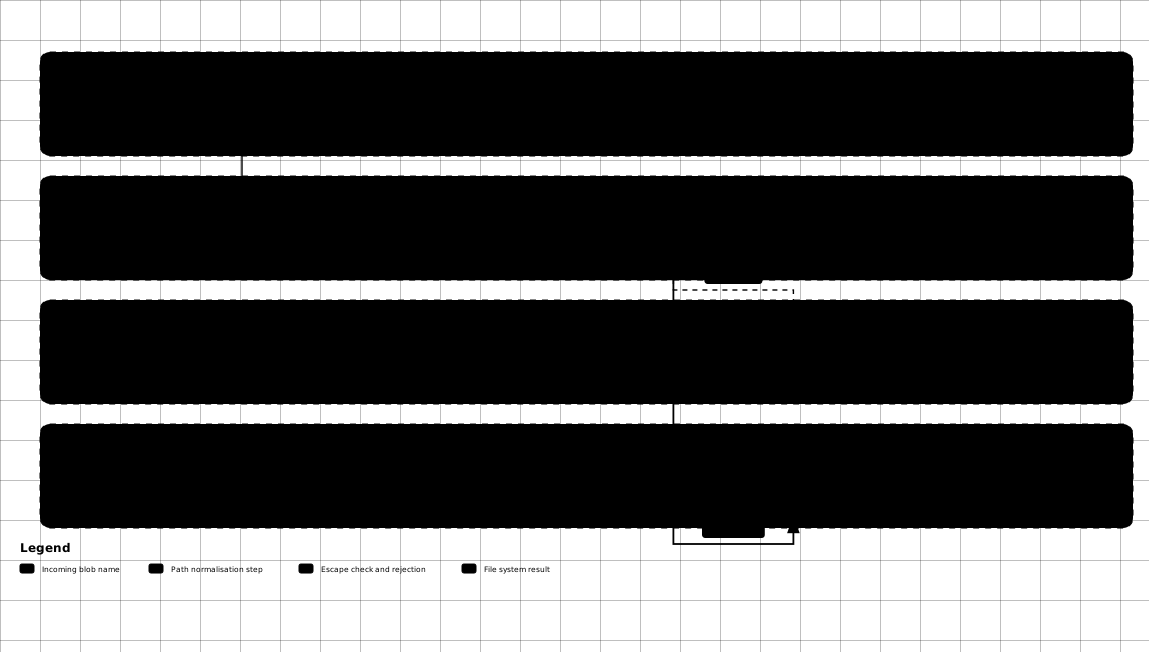
Every operation resolves the requested name to an absolute path and re-checks it against the root before touching the file system:
- DKNet.Svc.BlobStorage.Abstractions —
LocalBlobServicederives from itsBlobServicebase class, so validation and path normalization behave the same as on the cloud providers. - Application code depends on
IBlobServiceonly; swap this registration for S3 or Azure per environment without touching a consumer. - Test projects register this provider against a temporary directory to exercise blob-writing code paths without a storage emulator.
⚠️ Gotchas & limits
GetAsync’sFileNotFoundExceptionis the biggest provider-agnostic trap. S3 returnsnulland Azure throwsRequestFailedExceptionfor the same miss — see the Abstractions gotchas.- No public-URL support at all. Plan for it if blob-consuming code assumes every provider hands back a shareable link.
RootFolder’s default depends on the process working directory, which differs betweendotnet run, a published binary, and a container — always set it outside local dev.- No blob-name-length or upload-size cap beyond the shared, opt-in
BlobServiceOptionschecks. - Deleting a directory is recursive and unconditional (
Directory.Delete(path, true)) — aBlobRequestwhose name has no file extension is treated as a directory, so a missing extension on a delete can remove a subtree. - Not safe as shared storage for multiple instances. There is no locking or coordination; two processes writing the same path race on the filesystem.
🔗 Related packages
- DKNet.Svc.BlobStorage.Abstractions – the contract, models, and shared validation; the package application code should reference.
- DKNet.Svc.BlobStorage.AwsS3 – reach for it when the deployed environment stores blobs in S3 or an S3-compatible service.
- DKNet.Svc.BlobStorage.AzureStorage – reach for it when the deployed environment stores blobs in an Azure Storage account.